The short answer
- Make It Yourself It's free and you can do it today. It's perfect if you're just starting out and what matters most is having a clean, recognizable photo.
- AI It's cheap and fast, but the result isn't really you. LinkedIn requires that your profile picture look like you, and anyone you meet in person later will notice the difference.
- A photographer It costs more, but you get personalized guidance, a photo that truly captures your likeness, and one that will last for years. The best choice if your face is part of your work: entrepreneurs, executives, consultants, and speakers.
Option 1: Take your own LinkedIn photo
With a recent smartphone, some daylight, and someone to take the photo for you, you'll go a long way. It costs nothing, and you get instant results.
What's going well: the price, the speed, and you can try again as many times as you want.
Where things usually go wrong: the lighting (too bright, too dark, or coming from above), a distracting background, and especially the expression. Almost no one feels comfortable in front of their own camera, and it shows. Plus, a selfie distorts your face because the lens is too close to you.
Are you going to try it yourself? If so, be sure to read our 12 Tips for a Better Professional Profile Photo and our article on The ideal crop for your LinkedIn profile photo.
Option 2: An AI headshot
With an AI headshot service, you upload a series of selfies. The software then turns them into a series of “professional” portraits, featuring different outfits and backgrounds. A basic package from well-known services costs a one-time fee of about $30 to $50 (prices as of October 2026).
What's going well: Inexpensive, fast, and you don't even have to leave the house.
Things to keep in mind:
- It looks like you, but it's not you. AI averages out your selfies and smooths everything out: your skin, your smile, the little things that make you recognizable. Anyone who meets you in person after getting to know you online will notice the difference.
- LinkedIn demands authenticity. According to the LinkedIn guidelines Your profile picture should resemble you.
- Recruiters want to know. In a survey conducted by the software company Ringover (2024) of 1,087 recruiters, 76.5% found the AI-generated photos more attractive than the real ones. However, 88% also felt that candidates should disclose that their photo was generated by AI, and two out of three dropped out as soon as they recognized an AI-generated photo.
- Mistakes in the details. Things can still go wrong with hands, ears, glasses, collars, and hair. So you have to choose carefully.
- Doubt your skills and your authenticity. If your profile picture was created by AI, people will assume that the rest of it was also created entirely by AI. ‘What does that person actually do themselves?’ is a possible reaction. Or they might get the impression that you’re not being genuine.
- Aversion to AI. By now, some of your audience has developed an aversion to AI. If they see or suspect that your photo was created using AI, their trust in you will erode. That’s definitely something to keep in mind.
So an AI-generated photo may be a temporary solution, but it’s still a portrait of someone who looks like you. On a platform built on trust, that’s a risk.
Option 3: Go to a photographer
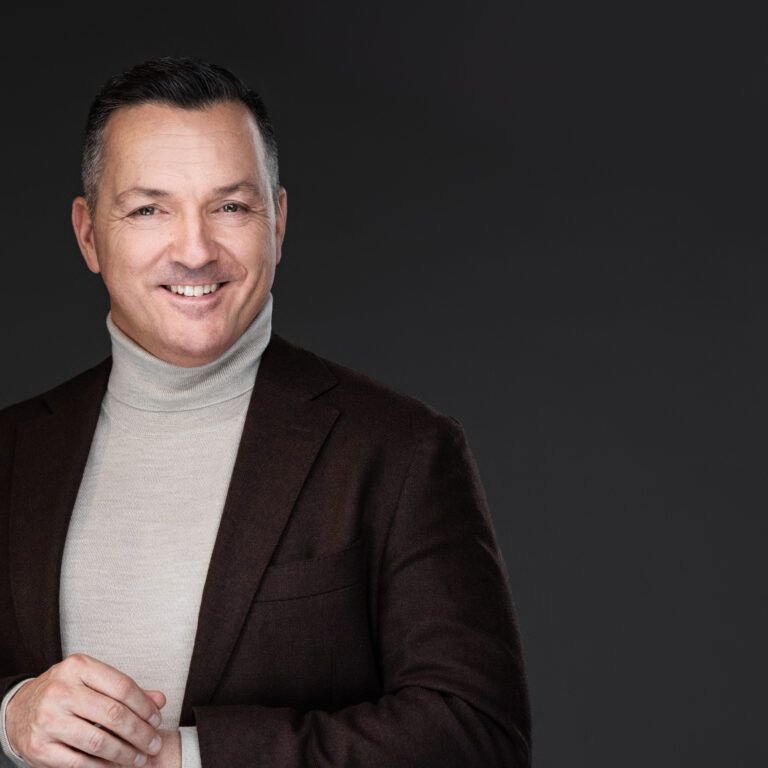
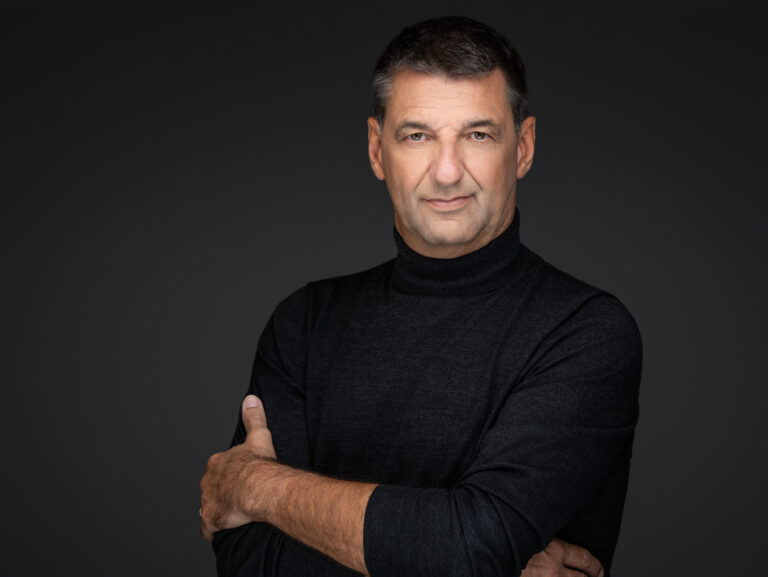
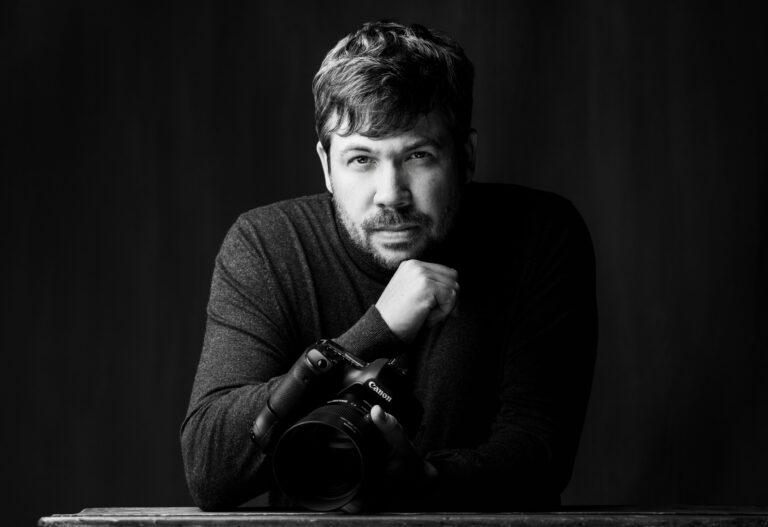
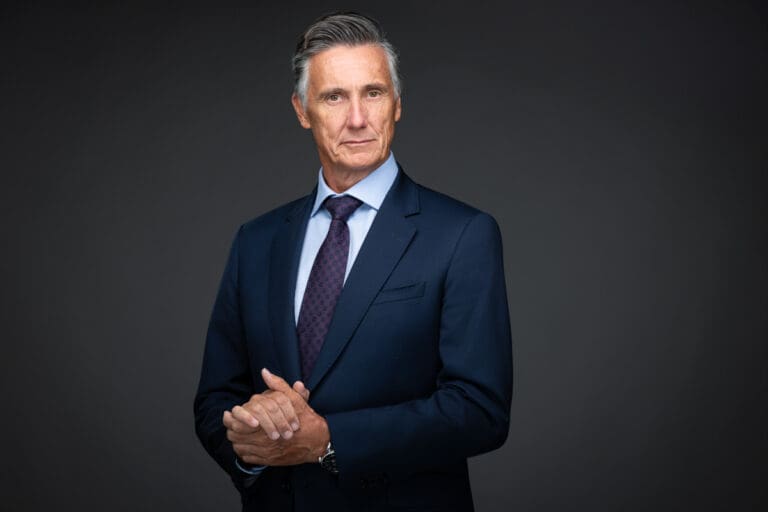
When you hire a professional photographer, you’re not just paying for a camera and lighting—you’re paying primarily for guidance, experience, and expertise. Here’s what a session looks like at our studio in Willebroek:
- When you arrive, we’ll first work together to figure out what your portraits should convey and how others should perceive you, so that they immediately sense you’re ‘the right person.’.
- Stylist Tine helps you choose your outfits. If you'd like, we'll make sure our makeup artists for your makeup and hair.
- Kwinten coaches you during the shoot: he teaches you a few simple techniques that will help you right away, and he guides you on how to look, how to stand, and how to relax. This helps you achieve an expression that’s both confident and approachable.
- At the end of the shoot, you'll work with the photographer to select the best photos. You'll only pay for the photos you're completely satisfied with.
- Of course, we’ll touch up your photos: dark circles, pimples, or red spots will disappear, but you’ll still look like yourself.
How much it costs (prices exclude VAT, October 2026):
- Headshot session with styling: Setup fee of €295, plus €75 per image you select. A session lasts an average of two and a half hours.
- With professional makeup and hair: Setup fee of €510, plus €75 per image.
- MINI Headshot Session: A short session for your resume or LinkedIn profile, ideal for employees and new graduates. €97, plus €90 per photo. (You can book this here)
Calculation example: If you choose three images from a headshot session with styling, you'll pay €295 + 3 × €75 = €520, excluding VAT. With one image from a MINI Session That comes to €97 + €90 = €187, excluding VAT. You’ll usually receive your photos within a week. If you need them sooner, they can be delivered within 24 hours for €28 per image. You can read all the details in How much does a professional headshot cost, and what do you get for that price?
Yourself, AI, or a Photographer: The Comparison
| Make It Yourself | AI Headshot | Photographer | |
|---|---|---|---|
| Cost | Free | About 30 to 50 dollars | Starting at €187 (MINI, including 1 image) excluding 6% VAT |
| Time | Give it a try for an hour | Upload selfies and wait for the results | Short session or 2.5 to 3.5 hours in the studio |
| Does this sound like you? | Yes | Partially | Yes, on your best day |
| Guidance | None | None | Styling, coaching, and choosing together |
| Best for | Beginners on a tight budget | A temporary solution | Those who must win people's trust through their appearance |
What do we recommend?
Are you a student or just starting out, and is your budget tight? Then take a professional-looking photo yourself using our tips. That’s better than no photo at all or a vacation snapshot. If your profile photo serves as a calling card for clients, partners, or a new employer, it’s worth hiring a professional photographer. You’ll likely use a good photo for two to three years—on LinkedIn, your website, in your email signature, and during presentations.
What about AI? It's useful for figuring out which style you like, but we don't recommend using it as your profile photo. People Choose People, and then you want them to see you.
Curious about what a photo shoot with us is like? Check out our page about LinkedIn profile photos and headshots or read our method. You can start your session right away book online.